


More than 60 percent of manufacturing firms face ongoing challenges in aligning their ERP systems with actual business goals. For british IT managers and decision-makers, mastering ERP terminology is critical for driving successful digital transformation and avoiding costly integration errors. This guide delivers practical definitions and clear explanations, empowering leaders to choose the right technologies, boost operational performance, and foster cross-departmental collaboration.
Table of Contents
- Defining ERP System Terminology And Concepts
- Types Of ERP Systems And Core Modules
- Critical ERP Terms For Manufacturing Firms
- Deployment Models And Integration Options
- Common Pitfalls In ERP Adoption
Key Takeaways
| Point | Details |
|---|---|
| Comprehensive Integration | ERP systems offer a unified platform to streamline various business processes, enhancing data centralisation and decision-making efficiency. |
| Deployment Flexibility | Organisations must choose between on-premise, cloud-based, or hybrid ERP solutions, each with distinct benefits and challenges. |
| Understanding Key Terminology | Familiarity with critical ERP terms is essential for manufacturing firms to optimise their operations and improve communication among stakeholders. |
| Change Management is Crucial | Addressing potential challenges like user resistance and inadequate training is vital for successful ERP system implementation. |
Defining ERP System Terminology and Concepts
Enterprise Resource Planning (ERP) represents a comprehensive software solution designed to integrate and streamline core business processes across multiple organisational departments. Integrated management of business processes enables companies to centralise data collection, storage, and interpretation from critical operational areas such as manufacturing, purchasing, sales, and accounting.
At its fundamental level, an ERP system functions as a sophisticated digital backbone, connecting disparate business functions through a shared database architecture. These sophisticated platforms facilitate real-time information exchange, providing decision-makers with continuously updated insights into organisational performance. ERP systems consolidate data across various operational domains, supporting strategic planning and operational efficiency.
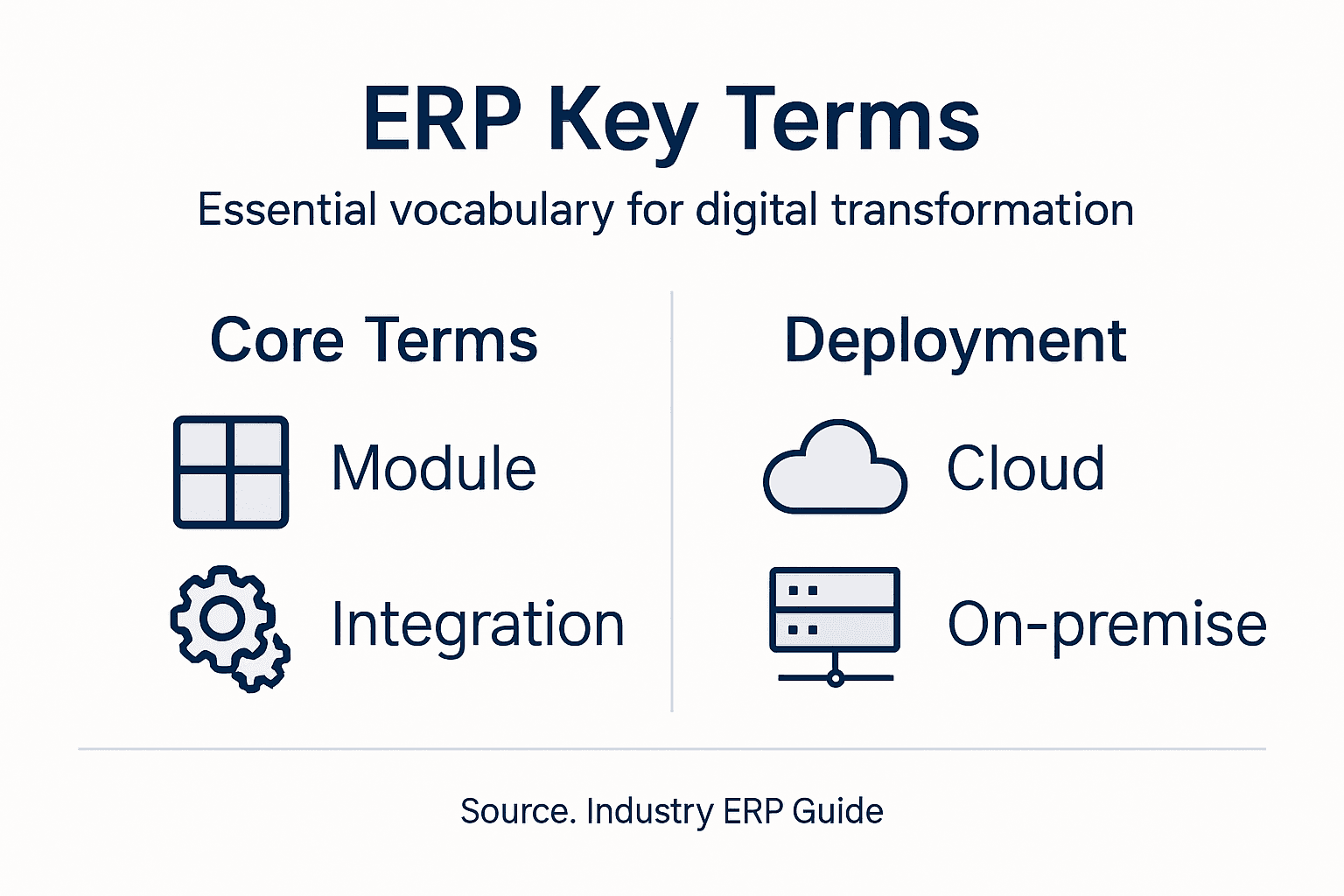
Key components of ERP systems typically include modules addressing core business functions:
- Manufacturing Module: Tracks production processes, inventory levels, and resource allocation
- Financial Management Module: Handles accounting, budgeting, and financial reporting
- Human Resources Module: Manages employee records, payroll, and workforce planning
- Supply Chain Module: Monitors procurement, logistics, and vendor relationships
- Customer Relationship Management (CRM) Module: Tracks customer interactions and sales pipelines
Pro tip: When evaluating ERP systems, prioritise solutions offering seamless module integration and scalability to match your organisation’s unique operational requirements.
Types of ERP Systems and Core Modules
Enterprise Resource Planning (ERP) systems encompass diverse architectural approaches, broadly categorised into distinct implementation models. These models range from traditional on-premise deployments to modern cloud-based solutions, each offering unique advantages for organisational digital transformation strategies. The selection depends on specific business requirements, technological infrastructure, and strategic objectives.
The primary types of ERP systems include on-premise, cloud-based, and hybrid solutions. On-premise systems require organisations to host software and infrastructure internally, providing maximum control but demanding significant upfront investment. Cloud-based ERP solutions, by contrast, offer greater flexibility, allowing businesses to access modular enterprise functions through web-based platforms with reduced initial capital expenditure.
Core ERP modules typically address critical business functions across various operational domains:
- Finance Module: Manages accounting, financial reporting, and budgeting processes
- Human Resources Module: Handles workforce management, payroll, and recruitment
- Manufacturing Module: Tracks production planning, resource allocation, and inventory control
- Supply Chain Module: Monitors procurement, logistics, and vendor relationships
- Sales and Customer Management Module: Tracks customer interactions, sales pipelines, and relationship management
Industry-specific ERP modules further customise systems for specialised sectors, including:
- Manufacturing ERP with advanced production planning tools
- Healthcare ERP with patient management and compliance tracking
- Retail ERP focusing on inventory and point-of-sale integration
- Construction ERP addressing project management and resource allocation
Pro tip: When selecting an ERP system, prioritise modular flexibility and scalability to ensure the solution can evolve alongside your organisation’s changing technological requirements.
Critical ERP Terms for Manufacturing Firms
Manufacturing enterprises require a comprehensive understanding of specialised ERP terminology to effectively streamline their operational processes. Manufacturing Resource Planning (MRP II) represents a sophisticated approach to integrating complex production management systems, enabling organisations to optimise their resource allocation and operational efficiency.

Key ERP terminology critical for manufacturing firms encompasses several fundamental concepts that drive strategic decision-making and operational performance. Critical ERP manufacturing terms provide insights into production planning, inventory management, and cross-departmental coordination. Understanding these terms allows manufacturing leaders to develop more sophisticated operational strategies and improve overall organisational performance.
Essential ERP terminology for manufacturing firms includes:
- Master Production Schedule (MPS): A detailed plan outlining production quantities and timing for specific products
- Bill of Materials (BOM): Comprehensive list of raw materials, components, and assemblies required for product manufacturing
- Capacity Planning: Strategic process of determining production capabilities and resource requirements
- Shop Floor Control: Real-time monitoring and management of manufacturing production processes
- Material Requirements Planning (MRP): Systematic approach to inventory management and production scheduling
- Supply Chain Management: Comprehensive coordination of procurement, logistics, and inventory processes
These technical terms represent more than mere definitions; they are critical tools for understanding complex manufacturing ecosystems. Each concept provides manufacturers with granular insights into production efficiency, resource allocation, and strategic planning.
Refer to the table below for business impact of key ERP manufacturing concepts:
| Term | Main Purpose | Business Impact |
|---|---|---|
| Master Production Schedule | Optimises production timelines | Enhances production accuracy |
| Bill of Materials | Details all needed materials | Improves resource tracking |
| Capacity Planning | Assesses resource requirements | Prevents overloading and bottlenecks |
| Shop Floor Control | Manages real-time operations | Increases visibility and response speed |
| Material Requirements Planning | Aligns inventory with demand | Reduces excess stock |
| Supply Chain Management | Coordinates procurement and logistics | Lowers costs and boosts efficiency |
Pro tip: Invest time in thoroughly understanding these ERP terms, as deep comprehension will enable more effective communication with technology partners and smoother system implementation.
Deployment Models and Integration Options
Enterprises seeking digital transformation must carefully evaluate ERP deployment methodologies to align technological solutions with organisational objectives. The landscape of ERP deployment encompasses multiple strategic approaches, each offering distinct advantages and challenges for manufacturing and service-oriented businesses.
The primary deployment models include on-premise, cloud-based, and hybrid solutions, each addressing different organisational requirements. On-premise systems provide maximum control and customisation but demand significant infrastructure investments, whereas cloud-based solutions offer scalability and reduced upfront costs. ERP integration strategies enable seamless connectivity between various business applications, facilitating data synchronisation and process automation.
Here’s a summary comparing ERP deployment models for organisational needs:
| Deployment Model | Control Level | Upfront Cost | Scalability |
|---|---|---|---|
| On-premise | Highest | Significant | Limited |
| Cloud-based | Moderate | Low | High |
| Hybrid | Balanced | Variable | Flexible |
Key integration methods for ERP systems include:
- Application Programming Interfaces (APIs): Enables direct communication between different software platforms
- Middleware Solutions: Provides intermediary layer for connecting disparate systems
- Enterprise Service Bus (ESB): Facilitates complex system interactions and data transformations
- Extract, Transform, Load (ETL) Tools: Supports data migration and synchronisation processes
- Integration Platform as a Service (iPaaS): Cloud-based integration solutions for connecting multiple applications
Deployment considerations for manufacturing firms should address:
- Scalability of the chosen solution
- Compatibility with existing technological infrastructure
- Data security and compliance requirements
- Total cost of ownership
- Potential for future technological upgrades
Pro tip: Conduct a comprehensive technological audit before selecting an ERP deployment model to ensure alignment with your organisation’s long-term strategic objectives.
Common Pitfalls in ERP Adoption
Navigating the complex landscape of Enterprise Resource Planning (ERP) implementation requires strategic foresight and comprehensive understanding of potential challenges. ERP adoption challenges often stem from intricate organisational dynamics and technological complexities that can derail even the most meticulously planned digital transformation initiatives.
Manufacturing firms frequently encounter several critical obstacles during ERP system implementation. Organisational change management represents a significant hurdle, with employee resistance and inadequate training emerging as primary barriers to successful adoption. The most prevalent pitfalls include:
Systemic Challenges in ERP Implementation:
- Misaligned Business Processes: Failure to map existing workflows to new system capabilities
- Insufficient Change Management: Inadequate preparation and communication strategy
- Limited User Training: Superficial or incomplete skills development for system users
- Unrealistic Expectations: Overestimating immediate performance improvements
- Budget Overruns: Underestimating implementation and customisation costs
Additional Critical Implementation Risks:
- Neglecting comprehensive business process reengineering
- Overlooking data migration complexities
- Underestimating system integration challenges
- Failing to secure senior management commitment
- Ignoring long-term scalability requirements
Pro tip: Develop a comprehensive change management strategy that includes extensive user training, transparent communication, and phased implementation to mitigate risks and enhance organisational readiness.
Unlock the Full Potential of ERP with Expert Digital Transformation Support
Understanding ERP system terminology is vital to overcoming challenges such as misaligned business processes, insufficient change management, and complex integration demands. Whether it is mastering concepts like Master Production Schedule or choosing the right deployment model, businesses face critical decisions that impact operational efficiency and long-term scalability. At Vsoftt, we specialise in delivering tailored solutions including ERP systems, software development, and consulting to help you confidently navigate these complexities.
Take control of your digital transformation journey with our professional IT services that prioritise seamless integration, scalability, and user adoption. Do not let common pitfalls stall your progress. Visit Vsoftt Website now to access custom software solutions designed to optimise your ERP implementation and accelerate your business growth. Explore how our expertise in custom software development and strategic IT consulting can empower your organisation to thrive in today’s digital landscape.
Frequently Asked Questions
What is an ERP system?
An ERP (Enterprise Resource Planning) system is a comprehensive software solution that integrates and streamlines core business processes across various departments, centralising data collection, storage, and interpretation for improved decision-making and operational efficiency.
What are the key components of an ERP system?
The key components of an ERP system typically include modules for manufacturing, financial management, human resources, supply chain, and customer relationship management (CRM), which collectively support critical business functions.
What are the different types of ERP deployment models?
The primary types of ERP deployment models include on-premise systems, which require organisations to host software internally; cloud-based solutions, which offer flexibility and reduced upfront costs; and hybrid solutions, which combine elements of both.
What common challenges are faced during ERP system implementation?
Common challenges include misaligned business processes, insufficient change management, limited user training, unrealistic performance expectations, and budget overruns, which can hinder successful ERP adoption.